CUSTOMER INFORMATION
Security Tips
-

- CUSTOMER INFORMATION
- Security Tips
- Email-based Payment Fraud
Email-based Payment Fraud
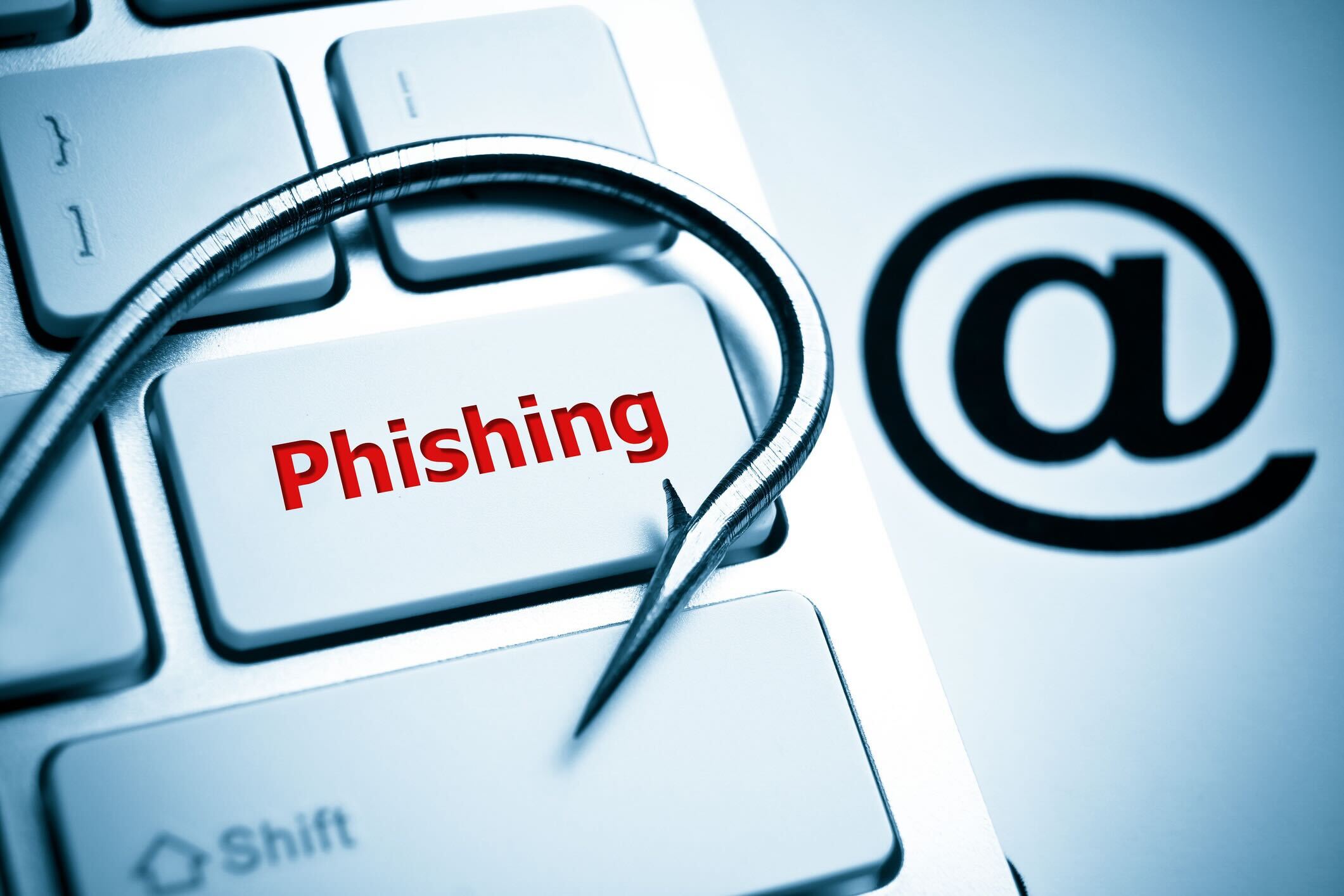
Email-Based Payment Fraud (or, Business E-mail Compromise-BEC)
Cybercriminals may gain unauthorized access to email exchanges between professionals, retailers, and businesses engaged in financial transactions—whether acting as suppliers or clients. By infiltrating these communications, they impersonate one of the parties (usually the supplier) and send deceptive payment instructions, urging recipients to transfer funds to fraudulent bank accounts that differ from those originally agreed upon. They also use email addresses that closely resemble the legitimate address of the supplier, making the scam even harder to detect.
These attacks are often highly sophisticated, with scammers mimicking the tone, formatting, and branding of genuine business correspondence. In many cases, fraudulent emails are timed to coincide with real transactions, increasing the likelihood of success.
How to avoid the scam:
- Be extremely cautious when receiving payment requests via email, especially if they involve changes to previously agreed bank details.
- Always verify that the payment request is legitimate and matches the terms of your agreement.
- Cross-check the bank account details against those officially provided by your supplier or client.
- Verify the payment details through a separate communication channel, such as a direct phone call or secure messaging platform.
- Implement internal controls, such as multi-person approval processes for financial transactions, especially for large payments or changes in beneficiary information (e.g. beneficiary account number).
- Use secure email systems.